Why professional TV wall mounting matters
A 65-inch TV can weigh 35kg. A 75-inch screen can top 50kg. The consequences of an incorrectly mounted TV — whether from undersized fixings, a bracket not suited to the wall type, or hidden cabling creating a fire risk — range from a damaged screen to a serious injury. Professional installation using the correct fixings for your specific wall type is not a luxury; it's a requirement.
London's housing stock makes this particularly important. Period properties have walls that can include hollow plaster over brick, lath-and-plaster over timber, or genuinely solid Victorian brickwork — sometimes all three in the same room. Our engineers carry stud detectors, cable tracers, and drill bits suited to every surface, and know how to find the correct fixing point in any of them.
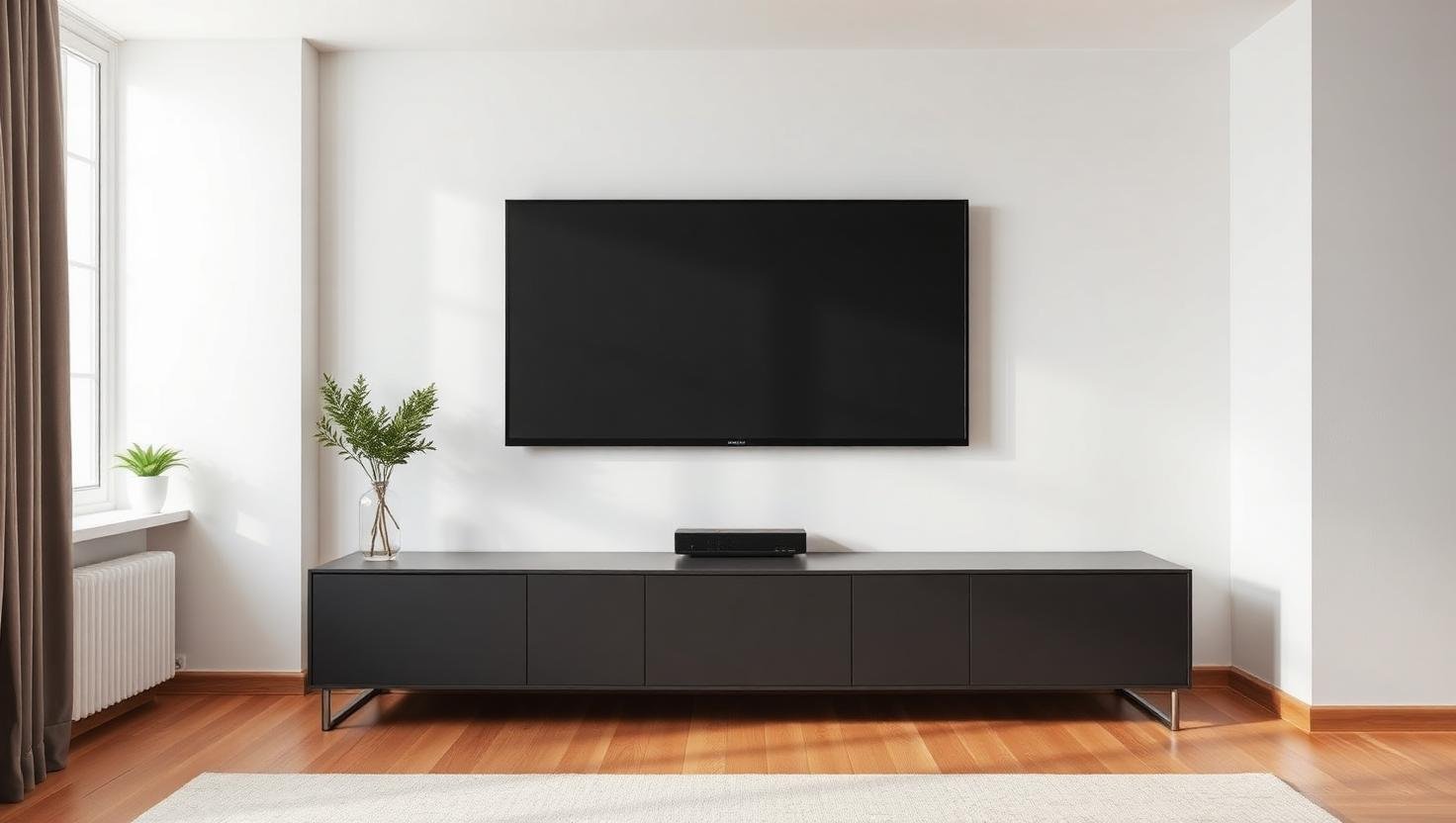
What we do on every installation
- Assess your wall type and recommend the correct bracket and fixings
- Use a stud detector and cable tracer to avoid hidden pipes and wires
- Mark and drill to the correct depth for your specific wall
- Install the bracket securely with correctly rated rawl plugs or frame fixings
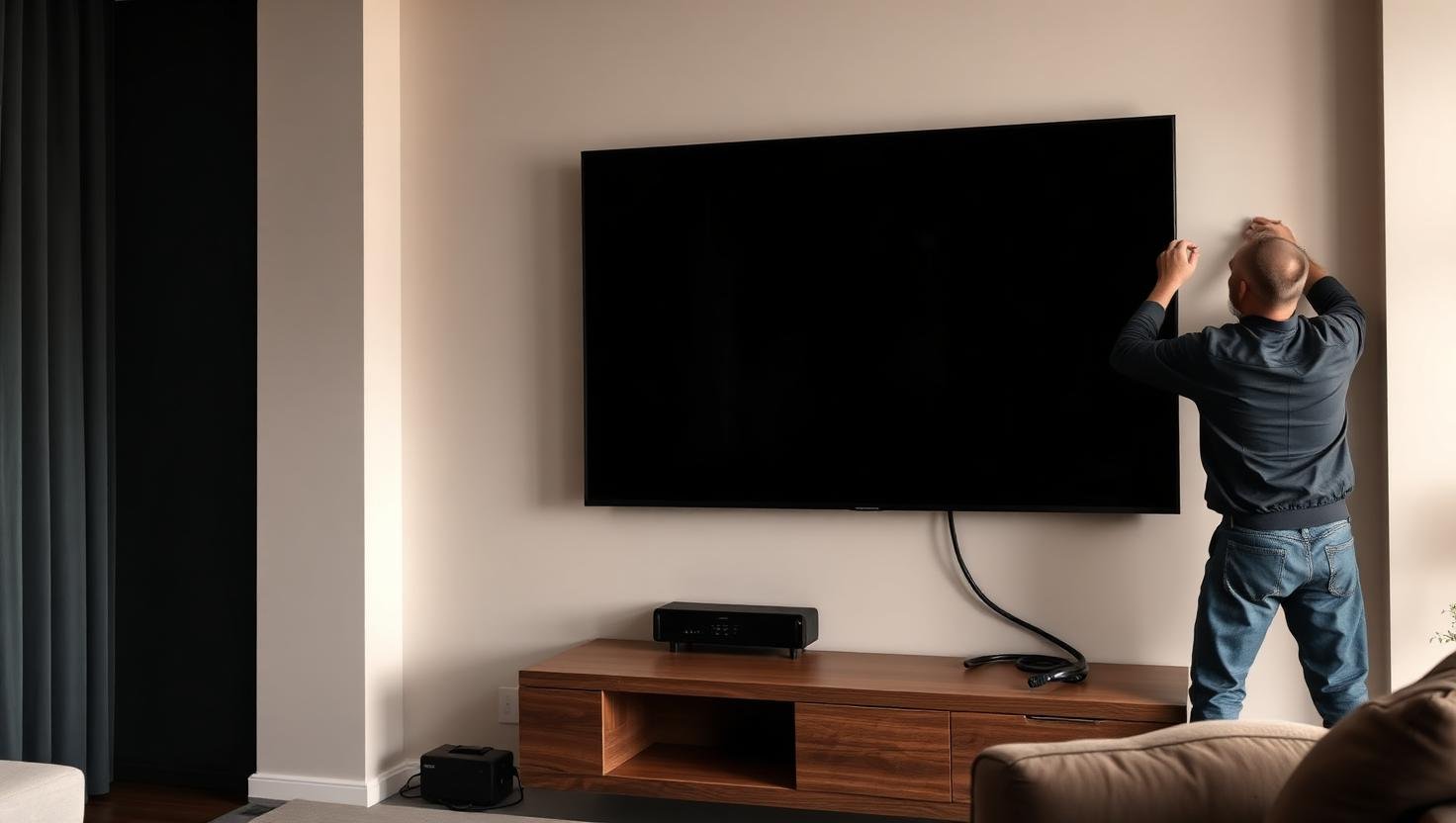
- Mount the TV, check level, and secure cable management
- Connect aerial cable, HDMI, power, and any other devices
- Run through how everything works before we leave
Bracket types — which is right for you?
Fixed bracket: TV sits flush against the wall. Best for rooms where the viewing position is directly in front of the screen. Lowest profile — ideal for bedrooms.
Tilt bracket: TV can be tilted down, useful when mounted higher than eye level (above a fireplace, for example). Still sits relatively close to the wall.
Full-motion bracket (articulating arm): TV can be pulled away from the wall, swivelled left and right, and tilted. Best for large living rooms with multiple seating positions, or open-plan spaces. We always check the wall is strong enough to support the additional leverage of a full-motion bracket.
Cable management
A professionally mounted TV shouldn't have cables hanging down the wall. We offer three levels of cable management:
- Surface trunking: cables run in neat plastic trunking along the wall. Tidy, reversible, and works on all wall types.
- In-wall cable concealment: cables are routed inside the wall cavity. Requires a hollow wall (plasterboard or lath-and-plaster). The cleanest result.
- Flush media plate installation: power and HDMI outlets installed flush behind the TV. Requires an electrician for power (we can recommend one), but produces a completely cable-free finish.
Specialist installations
Above a fireplace: We get asked to mount TVs above fireplaces regularly. We'll check the heat output of your fireplace and advise on safe mounting height, and use a tilt bracket to bring the screen angle down for comfortable viewing.
In an alcove: Alcove mounting often requires a custom bracket configuration. We handle this routinely.
On tiled walls in kitchens or bathrooms: We use specialist diamond-tipped drill bits for tiles and can mount in most tiled surfaces without cracking.
Commercial installations: We mount multiple screens for businesses, bars, estate agents, gyms, and offices — including landscape, portrait, and video wall configurations.
Pricing
- Standard TV wall mount (up to 55 inch): from £150
- Large TV wall mount (56 inch and above): from £115
- Full-motion bracket installation: from £125
- Above-fireplace installation: from £125
- In-wall cable concealment: from £60 additional
- Commercial multi-screen installation: price on survey
Frequently asked questions
Can you mount a TV on a plasterboard wall?+
Yes. Plasterboard walls require specialist fixings (cavity wall anchors or toggle bolts) rather than standard rawl plugs. We carry these as standard and know exactly how much weight each type of fixing can safely support.
Do you supply the bracket or do I need to buy one?+
We can supply the correct bracket for your TV and wall type, or we can use a bracket you've already purchased — your choice. If you're unsure which bracket to buy, call us first and we'll advise.
Can you hide the cables inside the wall?+
Yes, if you have a hollow wall (plasterboard or lath-and-plaster). We route cables through the wall cavity and fit flush plates top and bottom, leaving no visible cables at all. On solid brick or concrete walls we use surface trunking, which still looks very clean.
How long does a TV wall mounting job take?+
A straightforward installation on a standard wall typically takes 45–60 minutes. More complex jobs — full-motion brackets, in-wall cable routing, or above-fireplace installations — take 90–120 minutes. We'll give you a realistic time estimate when you book.
Do you connect the aerial and other devices?+
Yes — connecting your aerial, HDMI cables, soundbar, streaming devices, and games console is always included. We won't leave until everything is connected and working.